August 2026 Design and Technology update
Sat Aug 01 13:45:00 UTC 2026
Read more
Welcome to your August 2026 Results Day update.
This update is designed to provide you with everything you need to feel confident, informed and well prepared for results days ahead. Whether you're supporting students, reviewing outcomes, responding to questions or planning next steps, you'll find key information, guidance and resources to help you navigate this period successfully.
As always, please feel free to get in touch if there is anything you need. We're here to support you throughout the results period and beyond.
In this update you will find information on:

Help us improve the assessment experience for your students

Have your say on our 2026 Design and Technology assessments!
If your students took our qualifications in the May/June 2026 series, we'd love to hear about your experience. Share your views on assessment themes, internal assessment processes, moderation, external assessments, and the support and resources available.
Your feedback goes directly to our senior moderators, examiners and subject teams, helping to inform future developments.
Results Dates
Qualification |
Date released to centre |
Date released to student |
|---|---|---|
A Levels |
12 August 2026 |
13 August 2026 |
GCSE |
19 August 2026 |
20 August 2026 |
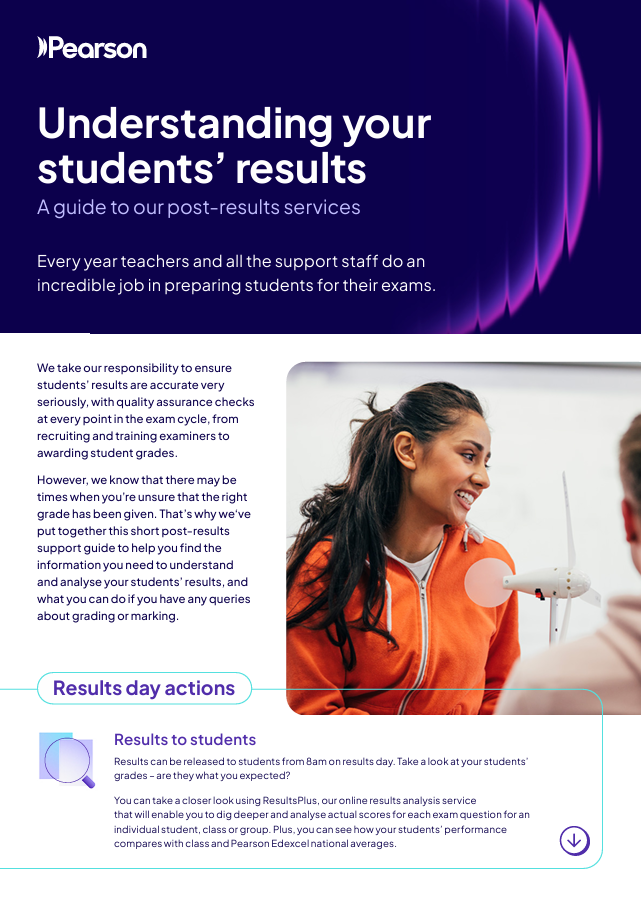
Getting ready for results day?
Our post-results support guide can help you:
- navigate students’ results
- understand the available data
- find the right support if you have queries about grading or marking.

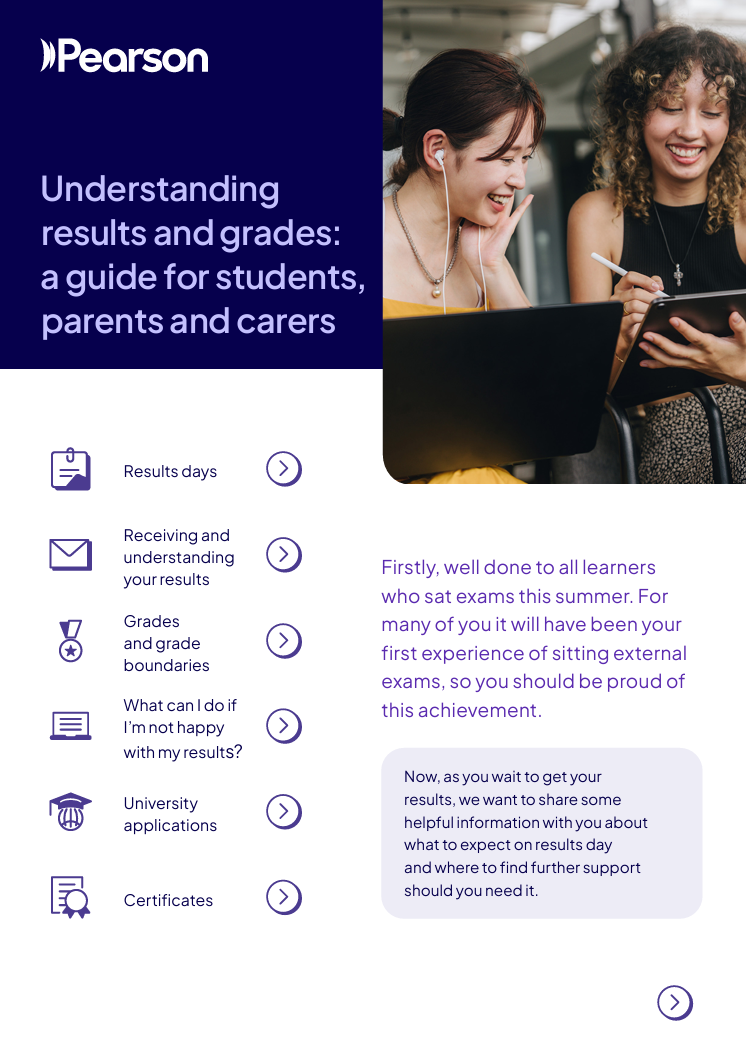
Waiting for exam results can be nerve-wracking for many students. Our guide for students, parents and carers on Understanding results and grades contains helpful information about what to expect on results day and where to find further support.
The guide includes information on:
- dates for results days
- receiving and understanding results
- grades and grade boundaries
- what steps to take if they are not happy with their results
- university applications
- certificates
- where to find further support.
Please pass this information on to your students.
Individual moderator reports for GCSE and A level coursework (NEA)
From results day you can download centre-specific moderator feedback for your coursework components:
- Log in to Edexcel Online. If you've forgotten your password you can generate a reminder by selecting 'forgot password'.
- Click on ‘home’.
- Select ‘GCE’ from the qualification drop down on the left.
- Hover over ‘Results’ and select ‘Moderator Reports’.
- Select ‘June 2025’ from the ‘Select a Session’ dropdown.
- Select your A level coursework component from the subject dropdown.
- ‘Moderator Report’ will self-select.
- Click ‘submit’.
- Your moderator’s report will appear in your Edexcel Online mailbox within 30 minutes.
You must have 'Results' selected in your Edexcel Online profile to download your centre's moderator report. Please ask your Exams Officer if you need this adding to your Edexcel Online profile.

You can access Summer 2026 grade boundaries on our website from results day. In addition to the official grade boundaries that are produced at subject level, we will also be providing notional grade boundaries at paper level. These can help you mark and assess future mocks.
ResultsPlus is our free online results analysis tool, that gives you a detailed breakdown of your students’ performance in Pearson Edexcel exams.
It provides you with the most detailed analysis available of your students’ performance. ResultsPlus will help you to identify topics and skills where your students could benefit from further learning – helping them gain a deeper understanding of their subject.
Teachers can sign into ResultsPlus using their Edexcel Online username and password if their account profile has ResultsPlus access granted by the Exams Officer.
Take a closer look at ResultsPlus
Examiner Reports can be obtained from ResultsPlus on results day by following the steps below:
- Log into Results Plus using your Edexcel Online details
- Once you are logged in under your centre, select 'ResultsPlus Analysis'.
- Then select 'Whole cohort results' followed by 'Cohort paper analysis'.
- Select the relevant qualification and series, eg 'GCE' and 'June 2026', followed by the relevant subject and 'View paper analysis'.
- Select 'Exam docs' and you will find the Examiner Report for that component.
You can also use our free Access to Scripts service to view your candidates’ marked exam scripts online or download as a PDF. It is available from results day until the 11th December 2026.
Providing a rich source of information, you can use this service to help make decisions about requesting a review of marking, but it can also help inform future teaching and learning and gives insights and visibility that performance data alone cannot provide.
Note, you will need 'Exam viewer' in your Edexcel Online profile if you want to download candidate scripts from results day. Please ask your Exams Officer if you need this adding to your profile.
Discover more about Access to Scripts, along with FAQs and a step-by-step User Guide.
If you're not happy with your students' results this summer, you should take the following steps:
• View the grade boundaries, question papers, mark schemes and examiner reports for the paper/qualification concerned.
• View your students’ scripts using our free access to scripts service.
• Log in to ResultsPlus to see how your students have performed on every question and compare their performance to the national average.
• If you are still unhappy with your students' results, you may apply for a review of marking via our post-results services.
Full details of all our post-results services are available on our website.
The deadline for requesting a Review of marking and moderation (ROMM) is 24 September 2026 for GCSE, A level and International GCSE (Service 1, 2 and 3).
If you are dissatisfied with the outcome of a review of marking, you may wish to appeal against the decision. We will allow the head of centre (or designated member of the centre’s senior management team or examinations manager) 30 calendar days from the receipt of the outcome of the review of marking, during which an appeal may be lodged using the webform. There is further guidance on appeals on our website.
Applications for appeals may only be accepted from a head of centre (on behalf of a candidate or a group of candidates) or private candidates.
GCSE and A Level Design and Technology training 2026/2027
We have training events scheduled for the 2026-2027 academic year, including All Set for 2026-2027 events in September and various other events to support you with the delivery of the qualifications you teach.
Access training events and links to join in the document below:

Subject advisor
Evren Alibaba
Design and Technology
Facebook :
Phone :
+44 (0) 344 463 2535
(Teaching Services team | Mon - Fri, 9am - 5pm GMT)