
ACT Awareness e-Learning Certificates
The ACT Awareness certificate has been redesigned to amend the logos and align to the new course look. See the image for a depiction of the new certificates.
The June security update includes information on updating your POP software to avoid disruption and ACT Awareness e-Learning.
A new version of the Pearson Onscreen Platform (POP) software for offline/online testing is now available.
This update adds a digital signature, so you can install the software in cyber secure environments. Without it, some devices may block installation.
To keep delivering offline or online onscreen tests without issues, you’ll need to update the software on all testing devices.
What you need to do
Download and install
Use the link below to access the installation guide and download the latest software.
Please share this update with your IT team and anyone involved in delivering onscreen assessments. This update can be disregarded if your centre only deliver tests using POP LAN or the Digital Functional Skills test player.
ProtectUK and Counter Terrorism Policing are pleased to announce the launch of a refreshed and improved version of the free ACT Awareness e-Learning course.
The updated course includes a range of enhancements designed to improve the learning experience for all users.
Please use Google Chrome when completing the e-Learning as this will enhance performance.
Find out more and access the updated ACT Awareness e-Learning course.
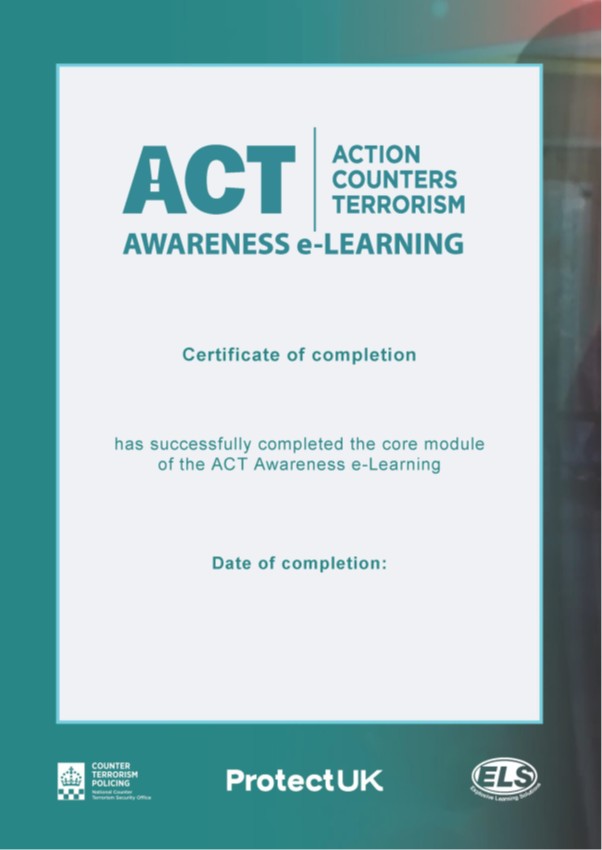
The ACT Awareness certificate has been redesigned to amend the logos and align to the new course look. See the image for a depiction of the new certificates.
A reminder that the requirements for learner images can be found on page 50 of the Security Centre Management Handbook. The SIA has asked us to remind centres that photographs must be taken against a white background.
Get Training states the self-study materials ‘must clearly show learners how many hours of learning they are expected to undertake. They must be given sufficient time to allow its completion before their course begins. The centre must check during training to ensure that appropriate learning has taken place.'
This means that: